





Are Password Keepers Safe? How to Use Them the Right Way
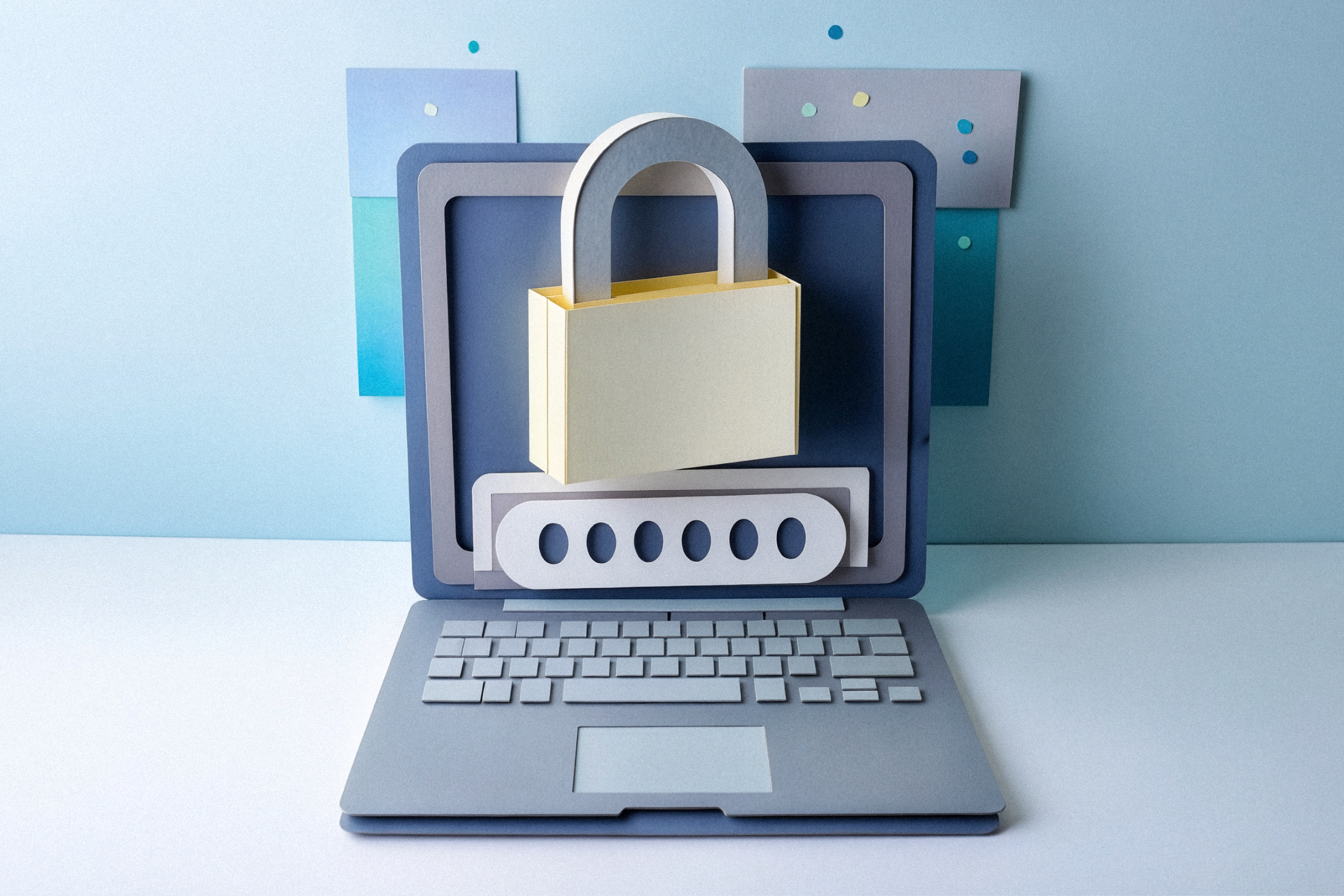
Most of us have more online accounts than we can easily remember: banking, email, shopping, insurance, utilities, social media, streaming services, farm management tools, school portals, and more. Each account asks for a password, and each password is supposed to be long, unique, and hard to guess.
That creates a real challenge. To cope, people often reuse passwords, slightly change old ones, or store them in a notebook, spreadsheet, or phone note. While convenient, these habits can make it easier for criminals to access multiple accounts.
A password keeper, also known as a password manager, can help solve that problem. Used correctly, it can make your online accounts safer and easier to manage.
What is a password keeper?
A password keeper is an app or service that stores your passwords in a protected vault. Instead of remembering dozens or hundreds of passwords, you remember one strong master password. The password keeper can create, save, and fill in strong passwords for your accounts.
This means your email can have one unique password, your bank account another, your shopping account another, and so on. If one company has a data breach and your password is exposed, criminals should not be able to use that same password to get into your other accounts.
That is one of the biggest benefits of using a password keeper: it helps stop one stolen password from becoming many stolen accounts.
Are password keepers safe?
For most people, a reputable password keeper is safer than reusing passwords or storing them in unsafe places. Cybersecurity agencies, including CISA (Use Strong Passwords, n.d.), recommend using long, random, unique passwords and storing them in a password manager. NIST guidance also emphasizes protecting authentication secrets and using stronger authentication methods when risk is higher (NIST 800-63B, 2025).
That does not mean password keepers are risk-free. No technology is perfect. A password keeper becomes an important account that must be protected carefully. If someone gets access to your password vault, the impact could be serious.
The safer way to think about it is this: a password keeper reduces many common password risks, but only if you secure the password keeper itself.
Why password reuse is so risky
Password reuse is one of the most common online safety problems. Here is how it can happen.
You create an account with an online store and use the same password you use for your email. Later, that store has a security breach. Criminals get a list of usernames and passwords. They know many people reuse passwords, so they try those same logins on email accounts, banking sites, payment apps, and social media.
This is called credential stuffing. It is automated, fast, and common. Criminals do not need to guess your password if they already found it somewhere else.
A password keeper helps because it can generate a different password for every account. You do not have to remember each one. The password keeper does that for you.
The one password you still need to remember
Even with a password keeper, you still need one very strong password: your master password.
This password protects the vault. It should be long, memorable for you, and hard for someone else to guess. A good approach is to use a passphrase, which is a string of unrelated words or a sentence-style phrase that only makes sense to you.
Avoid using names, birthdays, addresses, favorite teams, pets, common sayings, or anything someone could learn from social media. Also avoid using your master password anywhere else. It should be unique to the password keeper.
If your password keeper offers account recovery options, set them up carefully. Keep any recovery codes or emergency access instructions in a safe place, such as a locked file cabinet or another secure offline location.
Turn on multifactor authentication
A strong master password is important, but it should not be your only layer of protection. Turn on multifactor authentication, often called MFA or two-factor authentication, for your password keeper.
MFA requires an extra step when signing in, such as a code from an authenticator app, a security key, or a trusted device prompt. This can help protect your vault even if someone learns your master password. The Federal Trade Commission recommends strong passwords and two-factor authentication, and notes that authenticator apps and security keys are more secure options when available (Protect Your Personal Information From Hackers and Scammers, 2024).
NIST guidance also supports stronger authentication as methods for high-risk situations. In simple terms, MFA helps because a password alone should not be enough to access your accounts (NIST 800-63B, 2025).
When available, an authenticator app or hardware security key is usually stronger than a text message code. Text message codes are still better than no MFA, but they can be more exposed to phone number scams.
Be careful with autofill
Password keepers often include autofill, which automatically enters your username and password on websites or in apps. Autofill is convenient, but it should be used with care.
Before approving a login, check the website address. Criminals create fake websites that look like real ones. A password keeper may help spot this because it usually will not offer to fill in a saved password if the website address does not match. That can be a warning sign.
Still, do not rely only on autofill. Slow down when signing in to important accounts. Look for misspelled web addresses, unexpected login prompts, urgent messages, or pages that ask for more information than usual.
A password keeper can help, but it cannot stop every phishing attempt.
Keep the app updated
Like any software, password keepers can have security updates. Install updates for the password keeper app, browser extension, phone, computer, and web browser.
Updates often fix security weaknesses. Delaying updates may leave you exposed to issues that have already been corrected.
If you use a browser extension for your password keeper, make sure it comes from the official provider and that it stays updated. Remove extensions you no longer use.
Choose a reputable provider
There are many password keepers available. Some are free, and some charge a subscription fee. The right choice depends on your needs, comfort level, and the devices you use.
Well-known examples include 1Password, Bitwarden, Dashlane, Keeper, Apple Passwords, Google Password Manager, and Microsoft Authenticator/password management tools. This is not a complete list or an endorsement of any one provider, but these are examples of commonly used options from established companies.
Before choosing one, look for:
• Strong encryption and clear security practices.
• Multifactor authentication support.
• A good reputation and history of timely security updates.
• Easy-to-use apps for your phone, computer, and browser.
• Account recovery options that fit your comfort level.
• Family sharing options, if you want to safely share selected passwords with a spouse or trusted family member.
• Alerts for weak, reused, or exposed passwords.
Avoid unknown password apps with few reviews, unclear ownership, or vague security information. Also be cautious of fake password manager apps or browser extensions. Download directly from the provider’s official website or your device’s official app store.
Even with a reputable provider, remember that your password keeper needs strong protection. Use a unique master password, turn on multifactor authentication, and keep the app updated. Many providers publish security information about their encryption, account protection, recovery options, and platform features, which can help you compare options before choosing one.
What about saving passwords in your browser?
Most browsers can save passwords. This is better than reusing the same password everywhere, but a dedicated password keeper may offer stronger features, easier sharing, better cross-device support, and more security tools.
For some people, a browser-based password manager may be enough. For others, especially families, business owners, or anyone managing many important accounts, a dedicated password keeper may be a better fit.
The most important goal is to use unique passwords and protect the place where those passwords are stored.
Password keepers and family safety
Password keepers can also help families manage shared accounts more safely. For example, spouses may need access to utility accounts, insurance accounts, streaming services, or household financial tools. At any given time I have to manage hundreds of passwords for my wife and children.
Instead of texting passwords, writing them down, or using one shared password for everything, a family password manager can allow secure sharing of selected logins. Some also offer emergency access, which can help a trusted person get access if something happens to you.
This can be especially helpful for estate planning and household continuity. Consider keeping a simple list of key accounts and instructions in a secure place, without writing down every password.
What should not go in a password keeper?
Password keepers are commonly used to store passwords, secure notes, Wi-Fi passwords, recovery codes, and sometimes payment information. Whether you store extra information is a personal decision.
Be thoughtful about what you save. The more sensitive information you put in one place, the more important it is to protect that place well. For highly sensitive documents, financial records, or identity documents, consider whether they belong in the password keeper or in another secure storage method.
Do not store your master password inside the same password keeper. You need to know it separately.
What if your password keeper is involved in a security incident?
If your password keeper provider announces a security issue, do not panic. Read the provider’s official notice and follow its instructions.
Depending on the incident, recommended steps may include updating the app, changing your master password, reviewing account activity, rotating important passwords, or checking MFA settings.
Be alert for phishing after any publicized security event. Criminals may send fake emails claiming your vault is at risk and urging you to click a link. Go directly to the provider’s official website or app instead of clicking links in unexpected messages.
A simple way to get started
Switching to a password keeper does not have to happen all at once. Start with your most important accounts:
1. Email.
2. Online banking and payment apps.
3. Credit cards.
4. Retirement, insurance, and investment accounts.
5. Mobile phone account.
6. Shopping accounts that store payment information.
7. Social media accounts.
Your email account is especially important because it is often used to reset passwords for other accounts. Use a unique password and MFA for email as soon as possible.
After that, update other accounts over time. Many password keepers can identify reused or weak passwords and help you prioritize what to fix first.
Good security is about layers
A password keeper is not a complete security plan, but it is a strong step. Pair it with other safe habits:
• Use unique passwords for every account.
• Turn on MFA for important accounts.
• Keep devices and apps updated.
• Watch for phishing messages.
• Review account alerts and statements.
• Use trusted devices and secure networks for sensitive activity.
The goal is not perfection. The goal is to make it much harder for criminals to access your accounts.
Bottom line
Password keepers are a safe and practical tool when used correctly. They help you create and manage strong, unique passwords without having to memorize all of them.
The key is to protect the password keeper itself. Use a strong master password, turn on multifactor authentication, keep the app updated, and stay alert for phishing.
For many households, a password keeper can turn password security from a frustrating chore into a manageable habit.
To view the article in the online 2026 Summer Partners Magazine, click here.
We’re here to help.
With locations across Michigan and northeast Wisconsin, we’re here when you’re ready to talk.